
Refactoring a 7-Year-Old Ruby on Rails Platform: Cleaner Code and Up to 40% Faster Development
A large US sports association (name is under NDA) that supports more than 30,000 teachers, coaches, and managers found that adding new features to its 7-year-old Ruby on Rails platform was taking more and more time and budget.
MobiDev engineers joined the client’s in-house team to upgrade Rails, rebuild the test suite, and refactor the code. The result: up to 40% faster development and 89.8% backend test coverage.


The Story Behind the Ruby on Rails Modernization
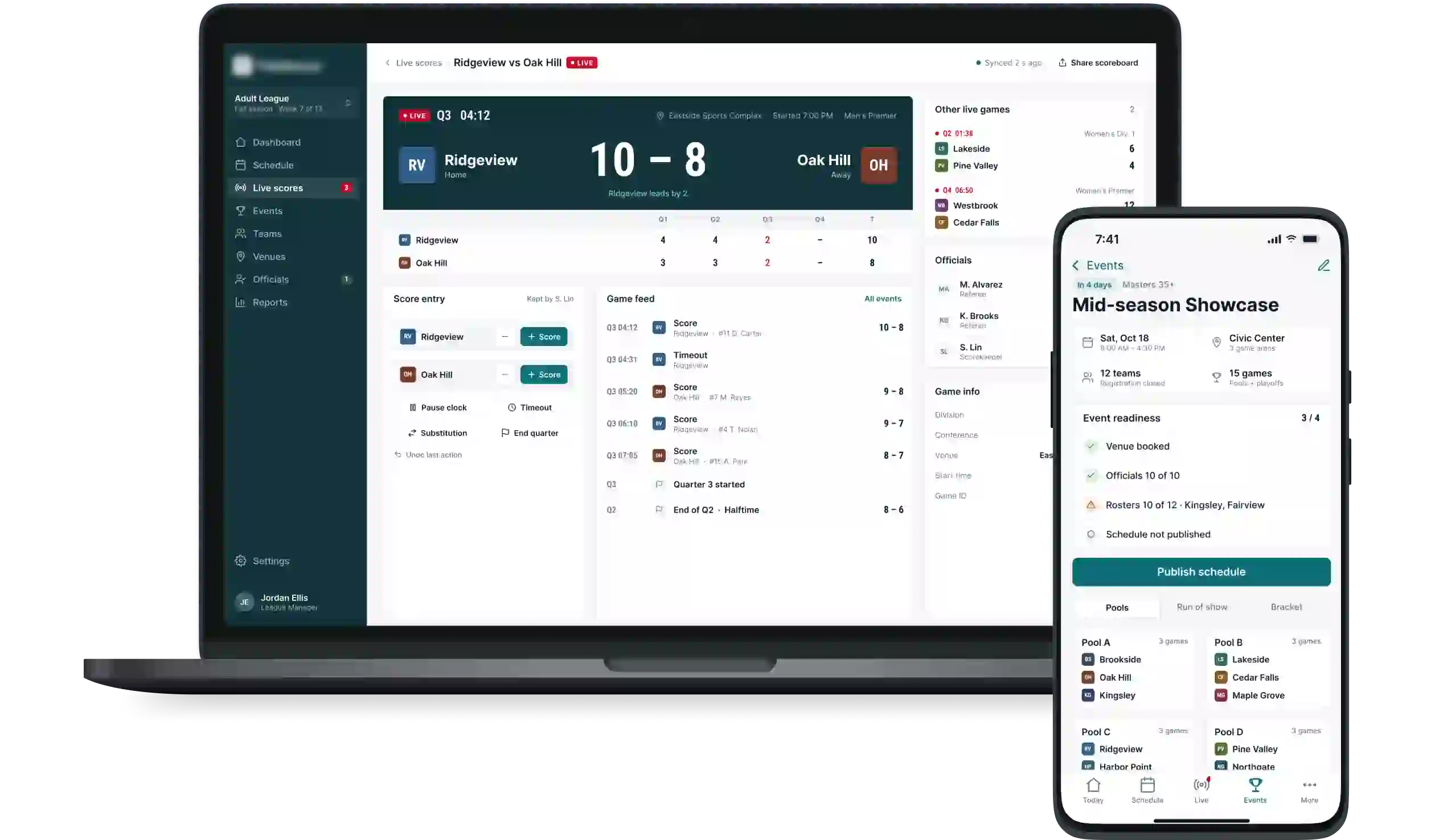
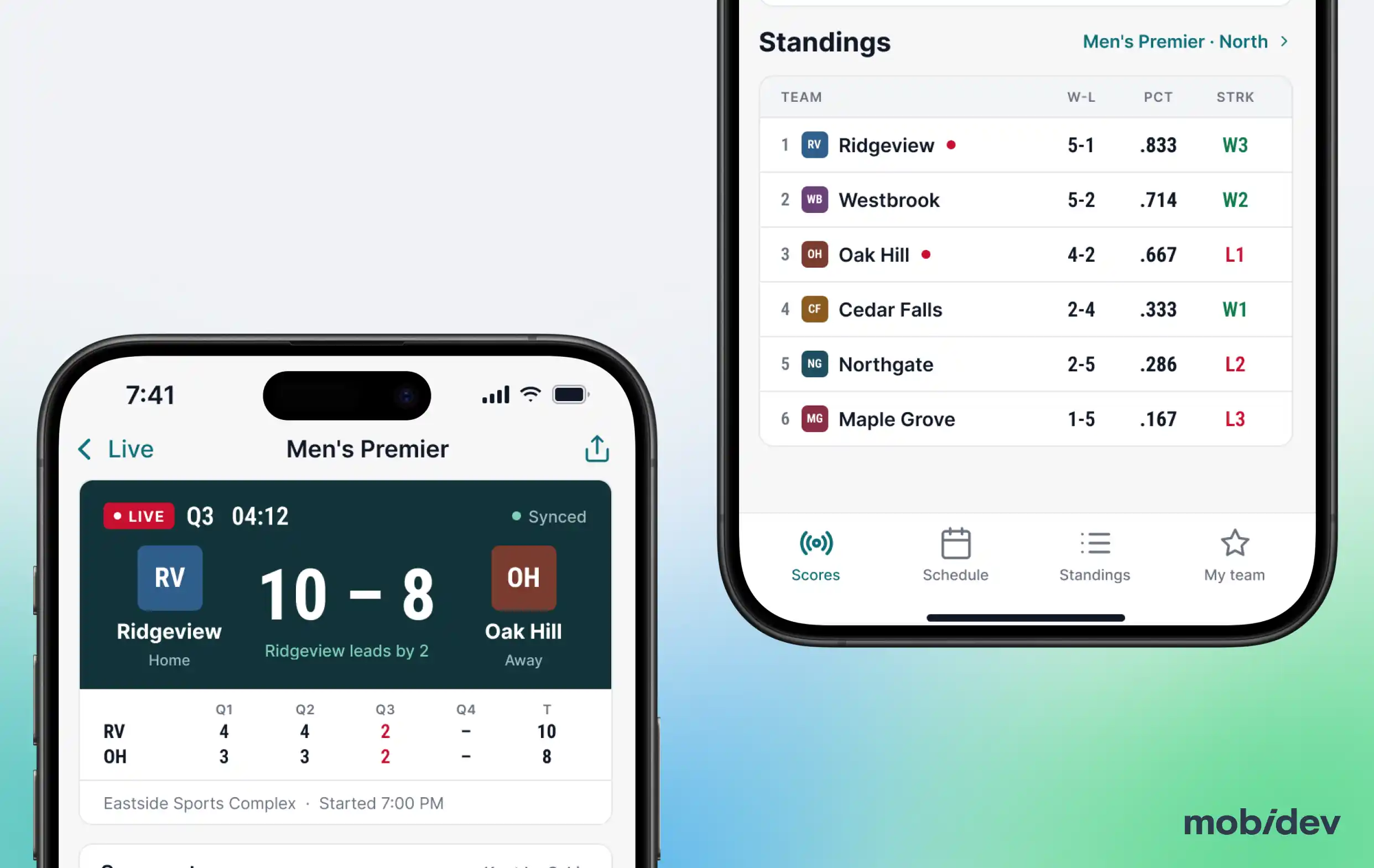
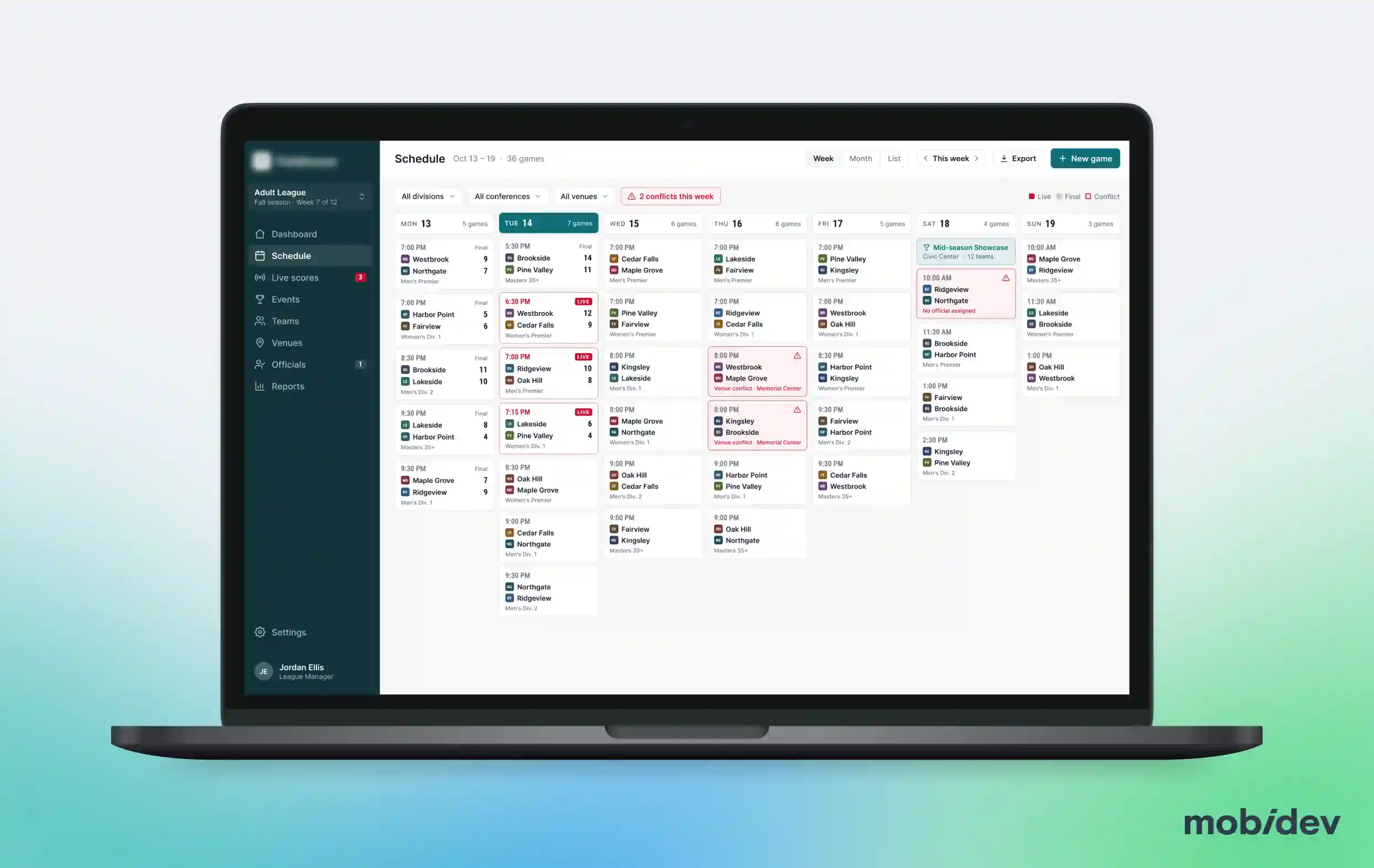
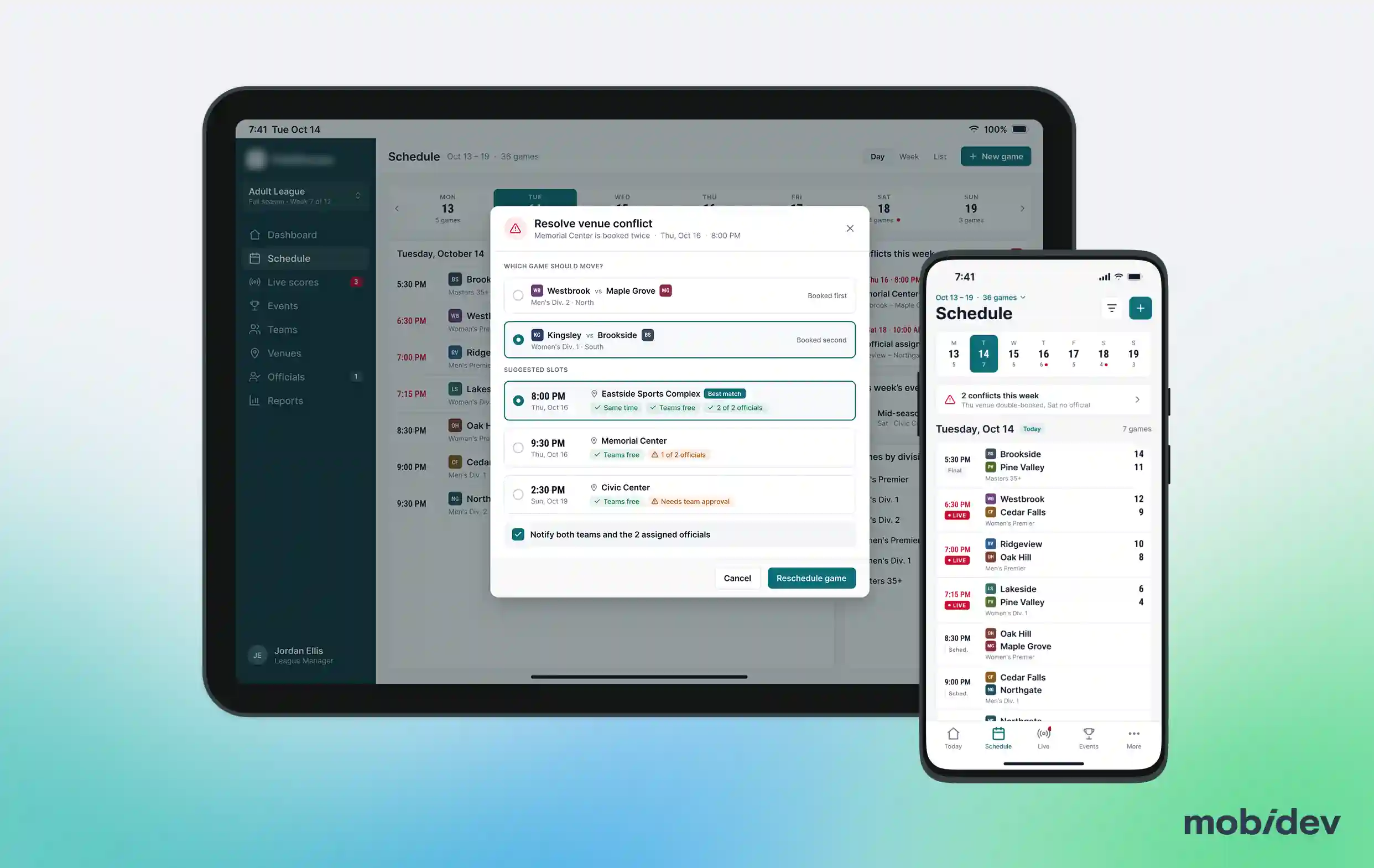
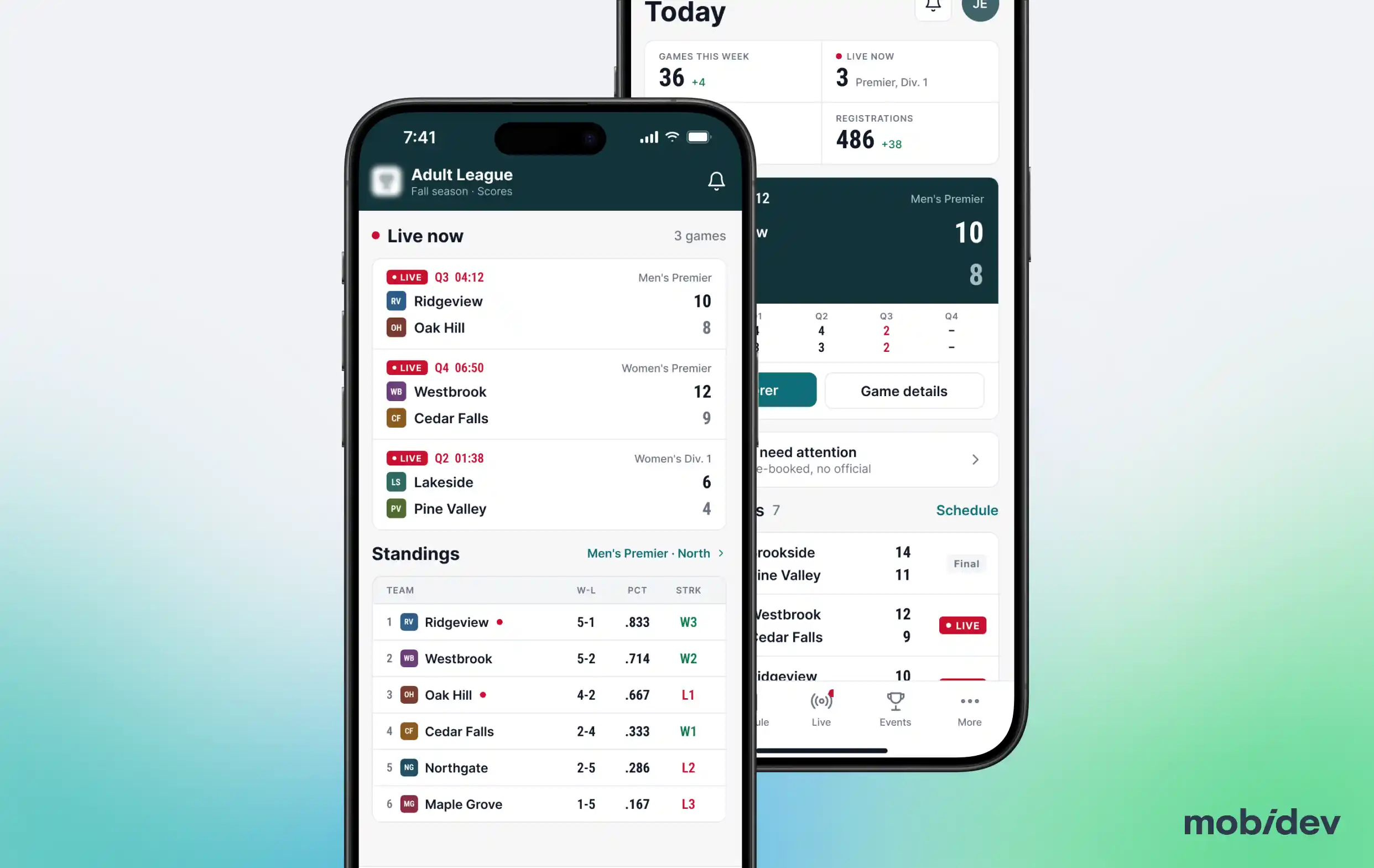
By 2019, the US sports association ran several web and mobile applications for members and fans, including tools for event management, live scoring, and scheduling. Some of those apps had been in production for 7 years.
The platform ran on an older version of Ruby and Ruby on Rails. It relied on numerous Ruby gems, many of which were outdated or incompatible with newer Rails releases. As the platform grew, so did technical debt and performance bottlenecks.
The in-house team didn’t have the capacity to build the new features and modernize the application at the same time. Instead of growing the team, the association brought in MobiDev engineers to modernize the legacy code.
Business Value of Modernizing the Legacy Ruby on Rails Platform
Up to 40% faster development. Refactoring ran alongside feature work and reduced the time spent on each change. It made the 7-year-old code easier to maintain and let the team adopt modern practices and technologies gradually.
89.8% backend test coverage. After the test suite overhaul, 89.8% of the backend code is covered by tests, inside the 80 to 90% range that Google’s engineering team considers a strong level of confidence.
Project Scope: Ruby on Rails Modernization Without a Feature Freeze
Stage 1. Step-by-step Rails upgrade. The platform moved through multiple major Ruby on Rails releases. Versions differed significantly, so each step meant careful planning, extensive code updates, and thorough testing before the next one.
Stage 2. Dependency review. We reviewed the Ruby gems the system relied on and replaced the outdated and incompatible ones to keep the platform stable on newer Rails versions.
Stage 3. Test suite overhaul. We replaced MiniTest with RSpec and rebuilt the test suite from the ground up. The goal was to catch bugs before release: NIST estimates that a bug found in production costs up to 30 times more to fix than one caught during development.
Stage 4. Refactoring alongside new features. MobiDev engineers handled the refactoring while the in-house team kept shipping features, so the product roadmap did not stop for modernization.
Stage 5. New features with the in-house team. Once the main refactoring was complete, MobiDev engineers switched to building new features and expanding functionality together with the client’s developers.
Why We Chose Refactoring Over a Rebuild
A complete rebuild often looks like the cleanest way out of legacy code, but it costs the most and takes the longest. For this client, it would also have meant running the old and the new systems side by side, while members relied on the old apps for events, live scoring, and scheduling.
The platform’s architecture still supported the association’s business. What slowed the team down was the code itself: an old Rails version, outdated gems, and accumulated technical debt.
Refactoring improves the structure of existing code without changing its core functionality. It let us reduce technical debt and performance bottlenecks while the platform stayed live. It also lowered the cost of supporting legacy code. As a result, development became up to 40% faster.
Tech Stack
Ruby on Rails
Ruby on Rails
Ship New Features on Your Legacy Platform Faster
Fill out the form and share your product needs. Our experts will get back to you within 1 business day.
FAQ
Upgrade Ruby on Rails app one major release at a time. Start each step with planning, then update code and dependencies, then run a full test before moving to the next version. Keep new features shipping in parallel.
It depends on whether the architecture still fits the business. A rebuild means running two software systems until the new one is ready, with more risk and cost. Refactoring changes the code structure without changing core functionality, so the product stays live. For this association, refactoring alongside feature work led to up to 40% faster development. A rebuild or rearchitecting makes sense when the current architecture no longer supports business goals.
Assess each product against its technical requirements, budget, and long-term goals. Refactoring fits when the architecture still serves the business, but the code slows the team down, which was the case for this association. Replatforming fits when the platform itself limits scalability, security, or compatibility; it can cost more upfront than minor upgrades but offers better long-term value. Rearchitecting is needed when the current architecture no longer supports business goals. When budget is tight, wrapping the system with modern technology, such as Docker containers or API gateways, can extend it without a full rewrite.
There is no fixed age at which software becomes legacy. A system counts as legacy when it can no longer keep up with current business needs, and that depends more on how it behaves than on how old it is. Watch for four signs:
- Performance declines. Pages and actions that used to feel instant start to lag, especially as the number of users grows. Delays over 1 second disrupt the user flow, and waits beyond 10 seconds often cause task abandonment. Modern UX standards recommend response times under 500 ms (Source: Nielsen Norman Group).
- Security risks grow. Old frameworks and libraries stop getting security updates, so known vulnerabilities stay in the code. About 60% of breaches come from known, unpatched vulnerabilities (Source: Ponemon Institute).
- Compliance gets harder. Older systems often struggle to meet frameworks like GDPR or HIPAA.
- Integrations become a struggle. Connecting new tools, payment providers, or partner APIs takes longer and often needs workarounds. Over 60% of businesses report challenges connecting legacy platforms with newer applications (Source: Deloitte).
AI SDLC (an AI-driven software development life cycle) can speed up legacy modernization, but only on top of a solid engineering base. Build it in this order:
- Test coverage first. AI-generated changes are safe to ship only when tests catch regressions before release, so bring coverage to a reliable level before you scale AI-assisted work.
- Persistent project context. In an old product, much of the business logic is not obvious from the code. Give AI tools architectural decision records, code style rules, and task specs they can reuse.
- Tight task boundaries. Keep AI-assisted changes small, especially in legacy workflows the business depends on.
- Automated checks. Run builds, tests, linting, and an AI review bot on every change, so human review can focus on architecture, security, and business logic.
A sports platform is used most around events and seasons, and members expect it to work every day. Pay attention to five things:
- Peak load windows. Live scoring, registration, and scheduling see traffic spikes on event days. Plan risky releases outside those windows.
- Small, reversible steps. Upgrade the framework one major version at a time and run the full test suite after each step.
- Test coverage before deep refactoring. Bring coverage to a level that catches regressions. For this association, the backend reached 89.8%.
- Backward compatibility. Web and mobile apps often share one backend, and not every member updates the mobile app right away, so keep older API versions working.
- Feature delivery. Members and organizers still expect new features during modernization. Split the work so one team modernizes while another keeps shipping, as this association did.