
7x Faster Delivery with AI-Driven Angular Migration & AI SDLC Adoption
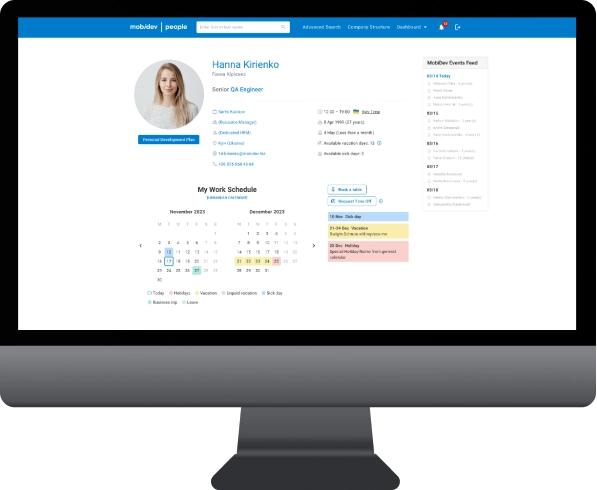
MD People is MobiDev’s internal HR and resource management platform initially built on Angular 12. By early 2026, its legacy code began stalling the addition of new features and prevented the implementation of AI-driven software development on the project.
We decided to conduct AI-driven modernization followed by AI SDLC Implementation. We started by transitioning the code from Angular 12 to Angular 19, using AI to write new code, and established a full-fledged AI SDLC to deliver new features. The use of AI enabled us to save 41.7% of the time during the migration. AI SDLC implementation enabled us to ship features 7 times faster.


The Story Behind AI-driven Modernization of the HR Platform
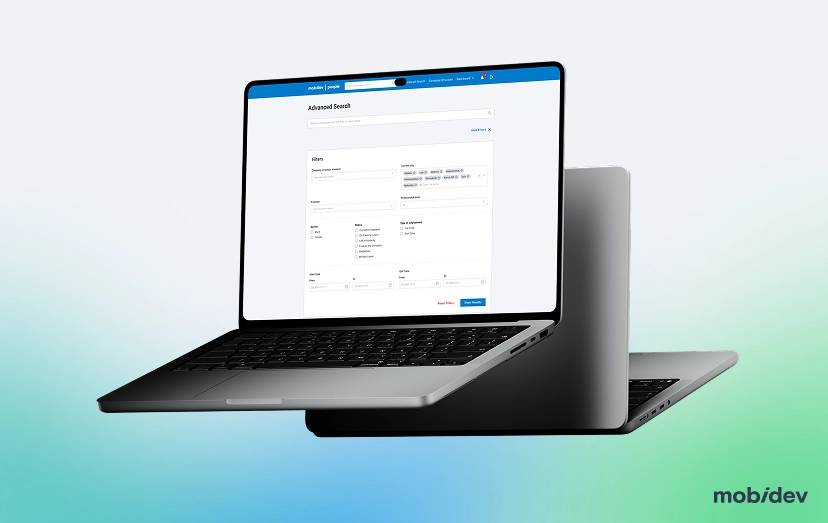
In early 2026, MobiDev wanted to add new features to our internal HR and resource management platform, MD People. We also wanted to harness the benefits of AI code generation. Unfortunately, Angular 12 didn’t let us achieve these goals, as AI agents do not work well with legacy codebases.
MobiDev found the optimal solution to this issue. After a tech audit, we created a two-stage approach. First, we modernized the platform to Angular 19 with AI assistance. Second, we transitioned to the AI SDLC to implement new features.
Outcomes of AI Modernization & AI SDLC Transition
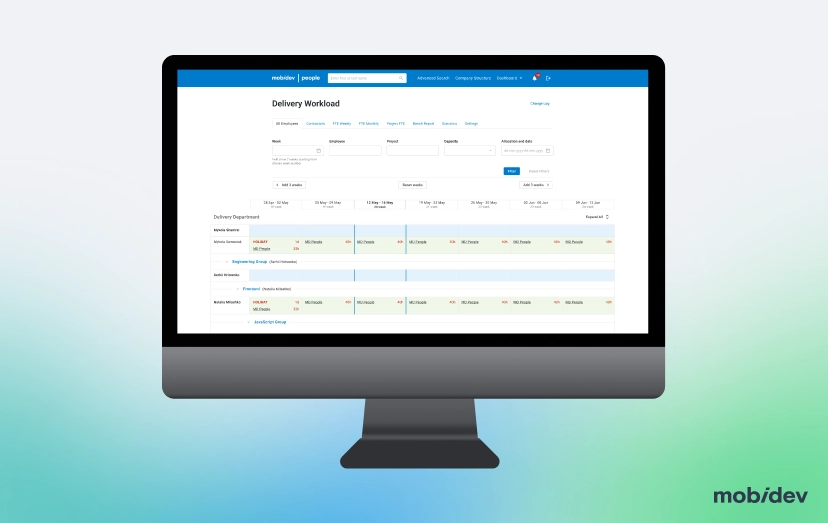
- Faster delivery of new features. After the upgrade, the MD People team shipped the new performance review 7x faster than the Angular 12 codebase allowed.
- Fewer dependencies to maintain. Angular Material and related libraries are up to date, and unsupported packages like ng2-smart-table and Protractor were removed or replaced with in-house code.
- Upgrades are routine again. With strict typing and automated tests in place, each next Angular version, starting with 20, is a regular ng update step.
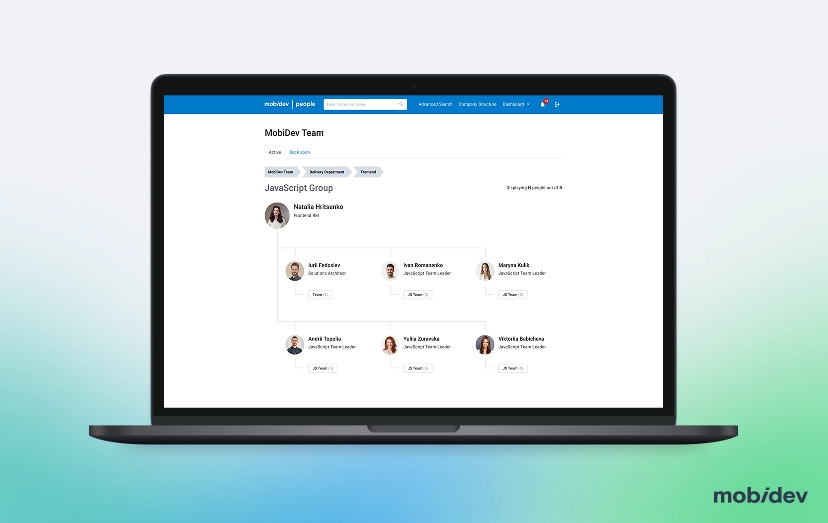
- One consistent interface. A custom UI component library means inputs, buttons, and other elements look and work the same across the application.
Project Scope of AI-driven Modernization of MD People
Stage 1. Tech Audit. We audited MD People to find the fastest route to new features. The answer was a sequence: modernize using AI, then move development to an AI SDLC.
Stage 2. Angular 12 to 19 migration. Using AI tools, we moved the frontend to Angular 19 and updated all related libraries, Angular Material first. The upgrade ran on a separate branch while feature work continued on the old version.
Stage 3. Code modernization. We switched to standalone components and moved most templates to the built-in @if/@for control flow.
Stage 4. Custom UI component library. Once on the current Material, we built our own library on top of it: buttons, text and select fields, checkboxes, radios, toggles, a date-range picker, snackbars.
Stage 5. Legacy pages redesign. Part of the app was designed for the old Material and didn’t match the new library. After a design update, we rebuilt old pages with custom components.
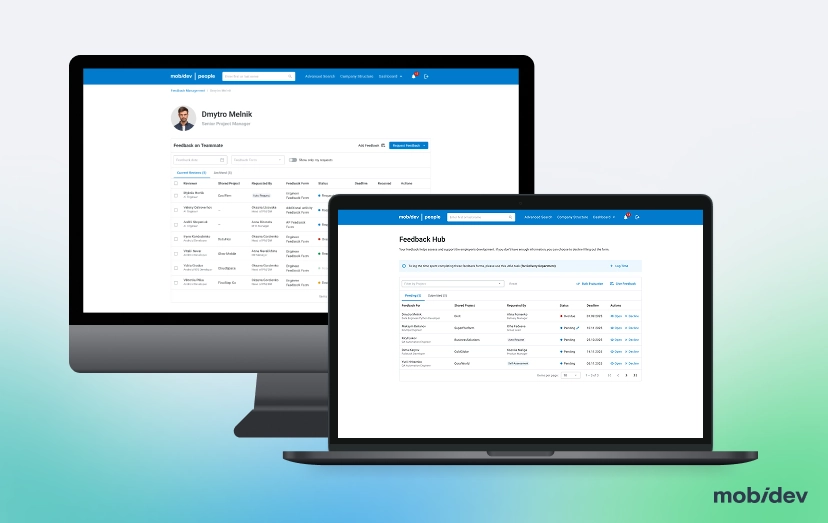
Project Scope of AI SDLC Implementation for MD People
Stage 1. Preparation. Our AI SDLC expert, Solutions Architect Iurii Luchaninov, interviewed all the members of the team.
Stage 2. Ideation. He asked Tech Leads to create their own vision of AI SDLC transformation, since they knew the legacy product with its complex business logic best.
Stage 3. Flow Creation. Based on the Tech Leads’ vision, we created the most efficient AI SDLC flow.
Stage 4. AI SDLC Adoption. The team transitioned to the new flow that covers business analysis, design, product ownership, project management, and QA, not only development.
Stage 5. New feature delivery. We shipped a performance review module on the modernized codebase under the AI SDLC process.
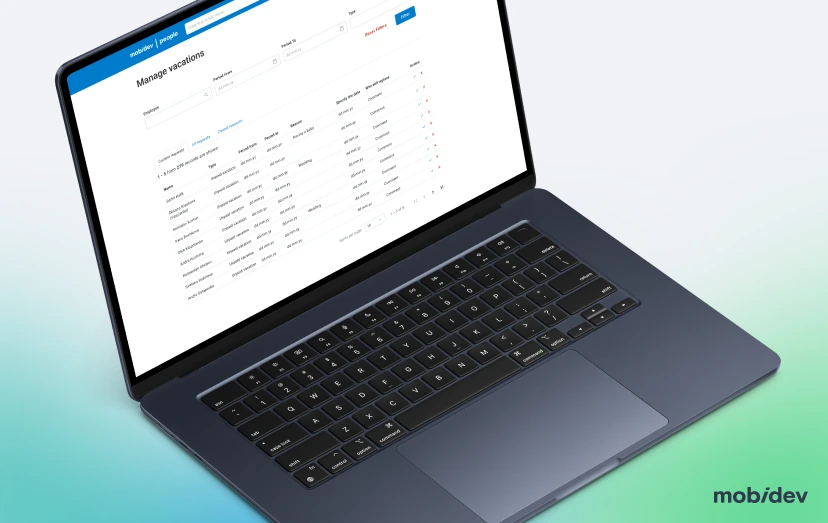
Deliverables of AI Modernization & AI SDLC Adoption
- MD People frontend on Angular 19, migrated from Angular 12
- Updated Angular Material (MDC-based) and related libraries, with unsupported libraries removed or replaced
- Standalone component architecture
- Built-in control flow (@if/@for) in most templates
- Strict type checking, including strict template checking
- Custom UI component library with inputs, buttons, and other interface elements
- Legacy pages redesigned onto the current design baseline
- Versioned AI configuration files stored with the codebase
- AI workflows defined by task type
- Automated reviews and tests in the CI/CD pipeline
- Full-stack feature delivery flow, with each feature built end-to-end, frontend and backend together, in a single AI SDLC task
- New performance review module
- Automated test suite
Tech Stack
Is your legacy codebase blocking AI-driven development?
We’ll audit it and map the fastest route to an AI SDLC, as we did for MD People.
FAQ
We used AI tools to move the frontend to Angular 19 and update all the related libraries, above all Angular Material, which moved to its new MDC-based components. Unsupported libraries were removed or replaced. We targeted Angular 19 rather than the 21 on purpose.
For a jump this large, we wanted the most mature release, with months of fixes behind it and support across the project’s third-party libraries. Rather than stepping through every version, we jumped straight to Angular 19, got the app shell building with the feature modules switched off, and brought the modules back one at a time.
The upgrade ran on a separate branch while feature work continued on the old version; every change shipped meanwhile had to be ported to the new codebase before the merge. At this stage, AI was used the usual way, as an assistant in each engineer’s hands; shared rules, automated checks, and task workflows came later, with the AI SDLC.
Material’s defaults rarely match a product’s design, so teams patch each page with style overrides that break on the next upgrade. A library built on top of Material puts the design in one place. MD People’s library covers buttons, text and select fields, checkboxes, radios, toggles, a date-range picker and snackbars, and it made a large share of page-level overrides unnecessary.
They stop matching the components underneath. You can hard-code the old look onto the new Material, which recreates the override problem in reverse, or update the design. On MD People, a designer did a baseline update of those pages, and the component library made rebuilding them fast.
No. Turn on what protects the whole codebase right away, such as strict type checking, and set standards for new code. Bring older code up to those standards gradually. On MD People, new code uses inject()-based dependency injection and takeUntilDestroyed for subscription teardown, and older components move to both when someone works on them.
Apart from business value, the benefits of AI-driven modernization and AI SDLC transition for MD People included:
- One design baseline instead of two. Pages designed for old and new Material needed style hacks to match. Now all pages share one modern baseline.
- A codebase AI agents can work with. Angular 19, standalone components, and strict type checking give AI current patterns to follow and a compiler that catches its mistakes, in templates as well as in TypeScript.
- AI SDLC. AI configs are versioned with the code, and automated reviews and tests run inside CI/CD before human review.
AI models have seen far more code written for current framework versions than for old ones. On an older version, they tend to mix APIs from different releases, suggest syntax that does not compile, or reach for patterns the project cannot use, and engineers spend the saved time fixing the output. On MD People, AI output on Angular 12 was poor enough that moving to AI SDLC was not possible without upgrading first.
Not always. The test is whether AI can produce correct code against your current stack with reasonable context and checks. If the framework is several major versions behind, upgrading first usually costs less than correcting AI output on every task. For MD People, the Angular 12 to 19 upgrade was the precondition for the whole AI SDLC transition.
Strict typing makes the compiler catch a class of AI mistakes, such as wrong property names, missing null checks, and mismatched data shapes, before a human ever reviews the change. With strict template checking, the same applies to component templates. Types also document the contracts between components, which gives AI more reliable context than comments do. We turned on strict type checking in MD People as part of the modernization, before AI SDLC began.
When the project has its own library of inputs, buttons and other elements, AI can reuse what exists instead of generating a new variant of each element on every task. That keeps the interface consistent and cuts down on near-duplicate code that reviewers have to catch. The project’s AI configuration explicitly tells agents to use these components instead of raw elements, so the library is enforced in every AI-assisted change, not just available. In MD People, the custom library also means the interface looks and works the same across the application.
Once you’ve reached the final stage of AI SDLC implementation, the AI becomes part of the whole delivery lifecycle, not a set of personal developer habits. Markers include versioned AI configs kept with the codebase, separate AI workflows by task type, CI/CD integration with automated reviews and tests, delivery metrics, live documentation, an architecture shaped for agent work, and controlled autonomous runs.
Vibe coding turns a prompt into working code quickly, but nothing checks whether that code fits the architecture, passes tests, or can be maintained. AI SDLC keeps the speed and adds the engineering layer around it: shared project context, task framing, automated checks, and human review where the risk is. On MD People, every AI-assisted change goes through automated reviews and tests in CI/CD before it reaches an engineer.
We do not standardize every prompt. We standardize the context and rules AI works against: the stack, conventions, architectural boundaries, and prohibited approaches, stored in config files that are versioned with the code and updated when the architecture changes.
Move part of the verification before human review. Builds, linting, automated tests, and AI-assisted first-pass review run on every change, so engineers spend their review time on business logic, architecture, and security-sensitive code. On MD People, those checks run inside the CI/CD pipeline.
Yes, within limits set by risk. Routine, well-covered tasks can run with more autonomy, while changes that touch critical logic or several dependencies get narrower tasks, more checkpoints, and explicit human approval.
Yes, but not with the official tooling. Angular’s official update path moves one major version at a time with ng update, so a 12 to 19 upgrade is seven consecutive migrations. Each one runs its own automated code changes and can break dependent libraries, which is why the related packages have to be updated alongside the framework.
On MD People, we took the one-step route. The app was so tightly coupled to Angular Material that most intermediate versions would not even have built, so seven rounds of ng update would have meant seven rounds of fixes on versions we would never ship and could not launch to check. Instead, we moved the framework, Angular Material, and the related libraries straight to their target versions, temporarily switched off the feature modules to get a green build of the app shell, and then brought the modules back one at a time, each fixed and checked in a running app before the next.
AI assistance sped up the fixes inside each module. The trade-off is that nothing is migrated automatically between versions, so every change the update schematics would have made is made and reviewed by the team; the migrations for the target version itself, such as the move to the new control flow, can still be run after the jump. We ran the upgrade on a separate branch while feature work continued on the old version, and ported each shipped change across before the merge.
Having made the jump once, the project can now follow the regular path, one major version at a time, and the move to Angular 20 and beyond is planned that way, inside the AI SDLC.
The framework itself usually migrates cleanly. The risk sits in third-party libraries that have no compatible version, in UI libraries whose components changed structure and styling (Angular Material’s move to MDC-based components in version 15 is the common example), and in custom code that relied on deprecated APIs.
In practice, the framework is the smaller part. MDC changed component markup and class names, so every style override written against the old Material stops applying, and pages designed for the old look break visually. On MD People, this took most of the effort, not the version bump. Replacing outdated libraries instead of patching them is often the cheaper route, which is the approach we took on MD People: angular-resize-event, for example, was replaced with a small in-house directive.
Standalone components declare their own dependencies instead of relying on NgModules, which makes each component easier to read, test, and reuse. They are the default from Angular 19 and the direction the framework is moving in. We moved MD People to standalone components during the upgrade.
If the app works and the team knows Angular, upgrading is usually faster and lower risk than a rewrite, because the business logic stays where it is. A rewrite makes more sense when the codebase is beyond repair, the hiring market for your stack is a real constraint, or the product is being rebuilt anyway. MD People stayed on Angular, moving from version 12 to 19.
Usually not. On MD People, getting the framework onto Angular 19 was the quicker part; most of the effort went into what followed. The UI had drifted between two design generations — some pages designed for the old Material, some for the new, with old components hard-coded to look new. Converging on one design system across a large app needs a plan and explicit decisions: building the component library first so pages can be rebuilt quickly, and bringing in a designer for a baseline update of outdated pages rather than restyling them ad hoc.